Showing posts with label Power Generators. Show all posts

Tuesday, October 8, 2024

Brick Fest Live - Sacramento


The final Brick Fest Live for the year for us.  Five shows since July 13 to Sep 13.  I also made some changes and updated sections.  Will now take a break, since the next show is Brick Palooza in Santa Rosa CA on Nov 23, 2024.

Sacramento's finest showed for a look and some very interesting questions.


 Then the big guy showed up.


Along with a friend.


This is the first Brick Fest Live we have attended that had the Duplo Brick Pile.  As you can see in the last two pictures it led to some very long trains be constructed.

For whatever reason, the spontaneous builds were all about who go the highest.


And these guys are always entertaining.


Friday, February 10, 2023

Installing Light Buddy 2 - Part 3


Now that the heresy is completed and the holes are drilled and the LEDs installed, it is time to install the Light Buddy 2.  

First step is to attach the 1x1 round plates.  The round hite circles on the PCB is where the 1x1 round plates will attach.  I use this fixture, which is composed of a 6x6 plate and four 1x4 bricks.  I place the 1x1 round plates (orange) in the fixture.  Then I carefully add drops of Super Glue on the 1x1 round plates at 90 degree intervals, ie four drops of glue per plate.  

The PCB is .5mm undersized in both dimensions.  So there will be some play when you drop the PCB into the fixture.  In this picture you can see the PCB in the fixture.  I have installed a surface mount connector in the LED output connector.  In this implementation, this how I decided to connect the five LEDs that are used.  This gave me the minimum possible height with the LED connector installed. 

NOTE

In very small/tight installations, you may choose not to have the LED connector installed and just solder the wires into the solder pads for the LED connector.

Here is the PCB in the fixture.  You need to leave it in the fixture long enough for the glue to setup.  I use a small screw driver to lift each 1x1 round plate from the 6x6 plate when I remove it the first time.  Because of the small surface mount connector. I left the most margin on the left side.

Here is it what it looks like after removing from the fixture.


To solder the wires onto the connector, I used a scrap plate (in this case 6x8) that I attached the Light Buddy 2 to.  This way I don't have to chase the PCB when soldering.

Here is what the installation looks like once the wires are soldered to the connector and the Light Buddy 2 is placed in the bottom Power Generator.

This shows the next issue that needs to be fixed.  I had to leave a reasonable extra length of wire as a service loop.  This was especially true for the LED on the top.  But now where to put this extra wire so it does not get in the way when installing the Power Generator into the MOC.

I built these small L shaped pieces out of two 1x1 plates and one 1x2 plate.  This allows for a gap for the wires to be coiled up into.  This picture shows the final configuration of the Light Buddy 2 in the bottom of the Power Generator.  The only wires coming out are for the 5VDC power that powers the entire device.

While this was not necessarily planned, the 3 pin connector that is the RS-232 interface to the Light Buddy 2 for the PC program is usable.  You can see it in the lower right portion of the PCB.  This gives the ability to reprogram the LED's for different styles if needed.


Thursday, February 9, 2023

Installing Light Buddy 2 - Part 2


Now I need to place the LED's and the wiring.  First I need to change the sand blue 1x1 round tile to one that is transparent red, as shown here.

But between the size of the dish and the hole that had to be drawn, the 1x1 round tile will not fit.  You can see that from this picture.

What I need is an extension.  My first thought was a 1x1 round brick as shown here.

But as you can see not much light is coming through.  My next thought was a 1x1 round plate with an open stud.  But the only transparent ones I had were light blue and I really wanted red.I checked Bricklink and while it said they existed, the number of stores that had them was 3.  Not a good probability of getting them.  The only other transparent color that was a possibility besides light blue was orange and that did not appeal to me.  So I thought that by reducing the distance from the LED to the transparent 1x1 round tile, maybe that would help.  That led to this, which is similar to the 1x1 round plate with open stud.

While it is brighter, it is really only visible if you are looking straight down on it.  Looking closer at this arrangement, I see that the lip on the 2x2 dish is blocking the LED light, forcing it straight up.  That realization led to the final configuration.

The transparent red 2x2 dish and the 1x1 round tile are both lighting up.  This is the effect I wanted.  The wiring now runs down the 2x2x2 cone with open stud, through the center hole of the 6x6 round plate into the cavity where the Light Buddy 2 will be.

Placing the four LEDs under the 2x2 round transparent light blue bricks was fairly easy.  The wiring is small enough that it will run under the 2x2 round brick or through the gap in the side where it fits on a stud on the 6x6 plate.  It then follows the wiring from the top through the hole in the center of the 6x6 round plate and into the cavity below.


Next step is to connect the wiring up to the Light Buddy 2 and place it in the cavity.


Wednesday, February 8, 2023

Installing Light Buddy 2 - Part 1


While the firmware is not yet complete, I went ahead and started building the first instance of this new LED Controller.  

This requires doing something that is controversial in the LEGO community and that is modifying the bricks.  My take is that drilling holes for wiring or letting LED light though, when no other option is possible and this holes cannot be seen, is acceptable.  Modifying bricks for an artistic effect is pushing this idea too far for me.

The first modification is the sand blue dish on the top.  In the build, the sand blue 1 x 1 round tile on the top will be replaced by a transparent red tile, so that that a glowing LED can be placed there.  There is no open stud in this part, so I will need to drill a hole for the wires.

The next two pictures show the problem.  First the hole has to leave the surrounding shoulder plastic so that the tan cone has something to connect to.  Second, in this configuration the dish is not stable.  Attempting to drill in this manner will likely result in the dish tilting and the hole not being where I wanted it.


The solution is to use 1x1 round plate with an open stud.  This picture shows that I have chosen a drill bit that will just fit into the open stud.


By placing the 1x1 round plate on the dish, it will serve as a drill guide.  The dish is now facing down and in the most stable position.  This makes drilling the hole very easy.

And here is the result.

The generator LED's are placed at the bottom of the 2x2 round transparent light blue bricks.  But the 6x6 round tan plate will not the LED light up into the 2x2 round domes on the 6x6 tan plate.  Here is where major modifications are needed.  The 6x6 tan plate has a hole in the center which will be needed for the wires coming down from the top of the dish.  Thus I need to drill holes of the same size where the center of the 2x2 round bricks attach.

There are two approaches to this. 

Drill from the bottom.  But as this picture shows, the location of the holes is not a normal circle.  That odd shape will cause the drill bit to wander and force the part to move unless it is tightly clamped down.

Drill from the top.   This approach is easier, but there does not exist a natural drill guide.  I would be guessing where the center is.  Thus as with the dish drill above, I am using a 2x2 round tile with a hole in the center.  This places the hole exactly where I want it.


Here is the 6x6 round plate with the four additional holes in it.

Next installment will be installing the LEDs.


Tuesday, June 28, 2022

Bricks by the Bay - Recap


The first live Bricks by the Bay since 2019 (@bricksbythebay_official).  It was the same and then again it was different.  The venue was the same as the last few times, so that was the same.  All the MOCs were in the center of the ball room and the vendors were around the sides. 


The MOCs were arranged by theme.  Unfortunately we were busier than in times past.  So we were not able to take as many pictures. (Actually my free time was spent in the two brick piles searching for parts.  I should have been taking pictures, but the draw of the brick pile was just to strong to overcome.)  


The one I should have taken pictures of was an interesting "mixed media" presentation.  To recreate a lot of the StarWars scenes, Dagobah, Ewoks, etc, they used a form of Japanese Bonsai trees with extended above ground root structures.  These roots were then woven into the MOC for an extremely realistic effect.  This is something that could not be done in pure LEGO.

The attendance was of reasonable size given the circumstances.  Not as big as in the previous years.  Traffic was much better on Saturday than it was on Sunday, which is fairly typical of these events. We would have like to see more people, but the ones that were there were highly motivated.  There was a lot of interest in what we were working on.  The softwear side had lots more interest than in the past. While our basic controller and USB power devices always draw lots of questions, there was a lot of interest in the Lighting effects we were showing.  Besides our MOC display, we had a demo of the new light controller.  Here is a video of it running the demo script.

One of the most visited vendors are those with bulk LEGO or brick piles.  Placed on a table or on the floor, people of all ages will rake through the Bricks looking for that one piece they need, select colors to fill out their inventory or just pick out every part they can find.  While the competition for select parts can be fierce, it is always a congenial competition.  I think the Bricks just brings out the best in people.  It does not even come close to Big Box stores on Black Friday.


Here is a quick video of the display we used to attract people to the table.I only brought three sections, the new Main Section that I first showed in Omaha in April, the Vertical Generator, the Space Port and the areas behind the cliffs.  These areas behind the cliffs are yet to be finished and are only the beginnings of a larger space that will exist behind the cliffs.


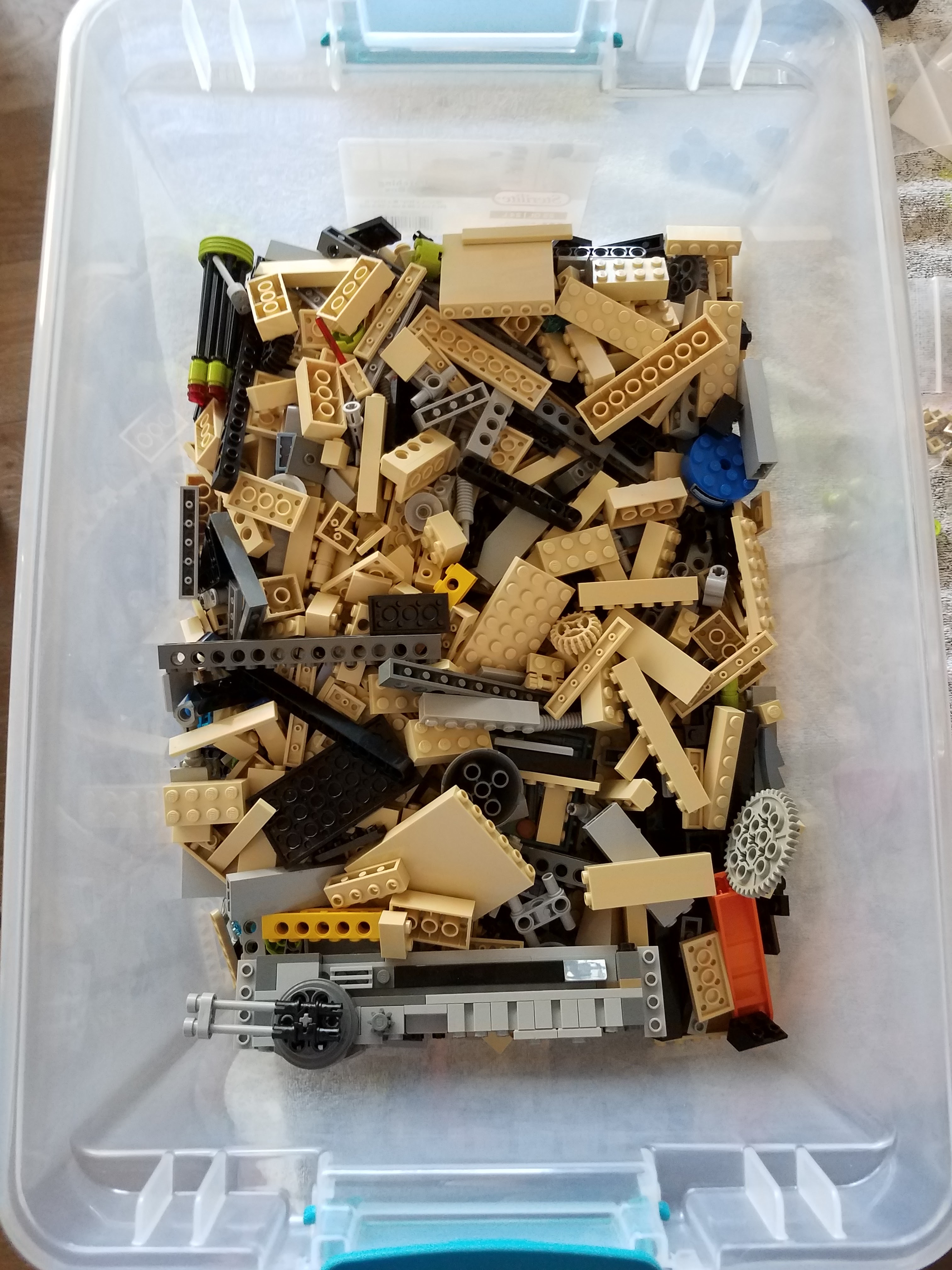
As I indicated earlier, I did spend a lot of time searching for parts in the brick piles.  Here is my collection prior to some washing and sanitizing.


 That is it for now, looking forward to next year.